
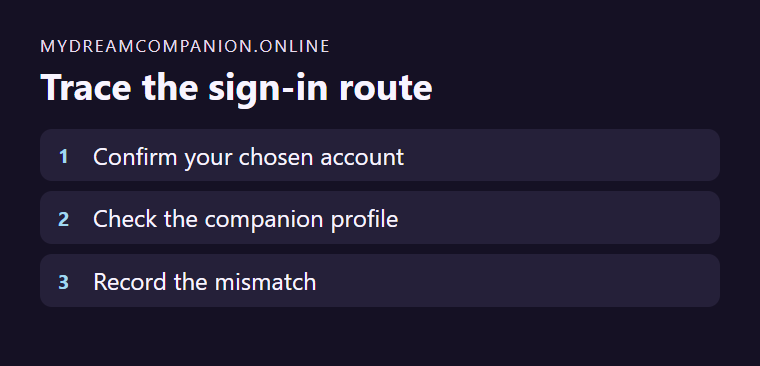
Check which Google account you selected, then compare the profile that opens with the one you expected. MyDreamCompanion’s website privacy policy says it receives account information such as the selected Google email if you use that option. Multiple accounts in one browser can make the selection easy to overlook.
Use a recognizable account clue
Imagine your regular account shows a saved nickname and you use a separate Google account for work. At sign-in, pause to read which account is selected. After the return to the website, check the profile label or other clue you already know. If it looks unfamiliar, record the mismatch before entering content or completing a new transaction.
For later reference, write a neutral note such as “web client, linked Google account ending in this domain, usual profile nickname.” Store the more precise identifier privately. Keep one-time codes, passwords and inbox messages outside this note.
Ask about the account you expected
If you contact support, say which sign-in route you followed, approximately when the profile opened and the visible mismatch. The provider can tell you what verification it needs. A second sign-up can complicate the account trail, so first resolve which existing profile each route opens.
The public website notice distinguishes the data received during the linked sign-in from other Google account material. For another app or provider, check the notice that belongs to that client. Once you confirm the correct account, keep its sign-in route and profile clue together for next time.